Thursday, September 27, 2012

Friday Five

Here is this week's version of my Friday Five Tech Tips.


This week all of my tech finds have come from twitter chats.  It is amazing what you can find when you are lurking around stalking “listening” to other people’s tweets.
1.  Google Lit Trips:  According to the website, Google Lit Trips are free downloadable files that mark the journeys of characters from famous literature on the surface of Google Earth. At each location along the journey there are placemarks with pop-up windows containing a variety of resources including relevant media, thought provoking discussion starters, and links to supplementary information about “real world” references made in that particular portion of the story.
The focus is on creating engaging and relevant literary experiences for students. Some familiarstories in the K-5 section include:  Make Way for Ducklings, Abuela, and Possum Magic. 
2.  Super Lame: With this web tool you add a caption, word balloon, or make a comic out of your photos. This is an easy free tool. You can have students or snag a creative commons picture from the web. They can add speech bubbles to the picture to practice, writing, grammar, or vocabulary.  They can use it to create dialogue for characters or historical figures.  The opportunities are endless.
 3.  9 Slides:  This site combines video and PowerPoint and runs them both simultaneously. You can upload a slideshow and sync it with your video. You can add personality to your presentations.   This is great for introducing a new unit or for a flipped classroom or PD opportunity. What a great way for students to explain their presentations with video of them talking as their presentation slides play.

4.  Kizoa:  According to the website, Kizoa is a comprehensive and easy-to-use slideshow creating platform online, enabling people to easily share photos in a dynamic and creative way.
Users can upload, store and edit photos, then turn their memories into custom designed slideshows with hundreds of creative options to choose from, including music, animations, text, transitions and other flash-based effects. This web tool is free and it reminds me of a pumped up version of Photo Story.  This is a unique way for students to create multimedia projects.

5.  Haiku Deck:  This is a presentation app.  It is simple and free.  One idea is to use this app for students to create visual flash cards.  Use pictures from your camera roll or from the creative commons photos available from the app.  The app comes with six themes but more are available from in app purchases. 

I didn’t plan on having a theme this week but pumped up presentations can be made with 4 of the five choices today.  I can't wait to see what you create.  Please share!!!
Have a great weekend!

Tuesday, September 25, 2012

Friday Five

For the last four years I have been writing a weekly newsletter with Tech Tips and ideas for 21st Century learning.  In an effort to justify my time and effort and to find a way to house the newsletters I've decided to post them here each week.  Here is last week's Friday Five.

Elementary Friday Five              September 21, 2012

Ramdon Ramblings


Here are some reminders of tools that were once loved that have been updated. There are also a few new tools to try. 
**I have not tried these links at school.  Some may be blocked.

11.  Quizlet :  Quizlet is a vocabulary study site that allows students to play games that match terms to their definitions.  Students can study flash cards, quiz themselves, and play games that use a set of words and definitions.  You can use the website to create the sets.  You can also import the sets you need from others to your group.  Each set in your group has an unique link that can be embedded in your website, wiki, or blog.  Quizlet also has an app that you can use with the same sets you have already created.
  1.  2. Symbaloo:  Symbaloo has been one of my favorite sites for years.  It is a great way to organize links.  In symbaloo you can visually organize links into like groups.  This makes it easy for young users to navigate the web and find the webpages that they need.  This is a great way to make individual links for those quizlet sets that you’ve created. Recently Symbaloo came out with and EDU version that offers some great premixes for you to use.  Symbaloo also has an app.

  2. 3.   Intervue.Me:  This site is a way for teachers to use a webcam.  It is an easy to use video response website.  Basically, with just a click, students can enable the webcam on the computer to record themselves. It works really well if you post a question and then have students respond to it by video, giving them valuable speaking practice, and you the opportunity to review their comments. This site has 21st Century skills application written all over it!! Note that videos can be viewed by others. 

    4. Time Kiwi:  With timekiwi you can create a beautiful timeline of your twitter, blogs & photos.  It fetches activities from your favorite social networks and visualizes them in a timeline. With time kiwi you can1.   remember the moments from your year with your great group of kids.  What a fun way to link a classroom twitter and a class blog.  It will be amazing to see how much your students grow and learn through the year.

    5.   Swackett:  Swackett is a whole new way to look at the weather. They convert complex weather data to easily-understood, visual weather reports designed for people of every age. Their unique approach is to combine raw weather data (current conditions, radar, and detailed forecasts) with thoughtfully crafted people symbols (called “peeps”) who always appear appropriately dressed for the weather. These available as a web app, iphone, ipad, or android.

    Have a great weekend!!!


Saturday, September 22, 2012

Epic Fail and Pinterest Creation

My goal this year was to post more than once a week in my new adventure in 2nd grade.  I just realized that it has been more than a month since I posted.  We are not six weeks into the new school year and already my blogging has been an EPIC FAIL!
I must say that so far I am thrilled with my move down to second grade.  I am loving the sweetness of my second graders.  They are working so hard and already I am seeing a lot of progress.
Our school is in our second year of our Leader in Me training.  We are embracing the 7 Habits of Happy Kids and trying to instill leadership traits in our students.  As part of this we are required to have the 7 habits displayed in our room.  It is strongly encouraged to have the habits displayed on a tree.  When I moved into my new room, there was a Palm tree with the 7 Habits displayed on the Palm Fronds.  I didn't like it but it served a purpose, so I left it on my wall....until this week.  I finally decided what I wanted my tree to look like.  This summer I saw trees on Pinterest with framed family photos on walls everywhere.  I'm not a painter and I refused to pay an arm and leg for a vinyl tree.  Several weeks ago, Zulily.com had vinyl trees on their site.  Of course, I had to order one.  When it arrived the rest of my plan began.  I made a trip to dollar tree for eight 5x7 frames, and to Wal-Mart for the brightest spray paint I could find.  I found the cutest 7 Habits posters from Rachel Lamb here.  I went to school early the next day to put it all together.  I LOVE it!!!!


Friday, August 17, 2012

Classroom Tour

This year my classroom theme is Owls.  It is the fourth year I have used owls.  I'm loving all of the new owl products that are readily available.  I've had a great time redoing my new classroom and finding ways to use all of the neat new owl products! I hope you enjoy the tour!

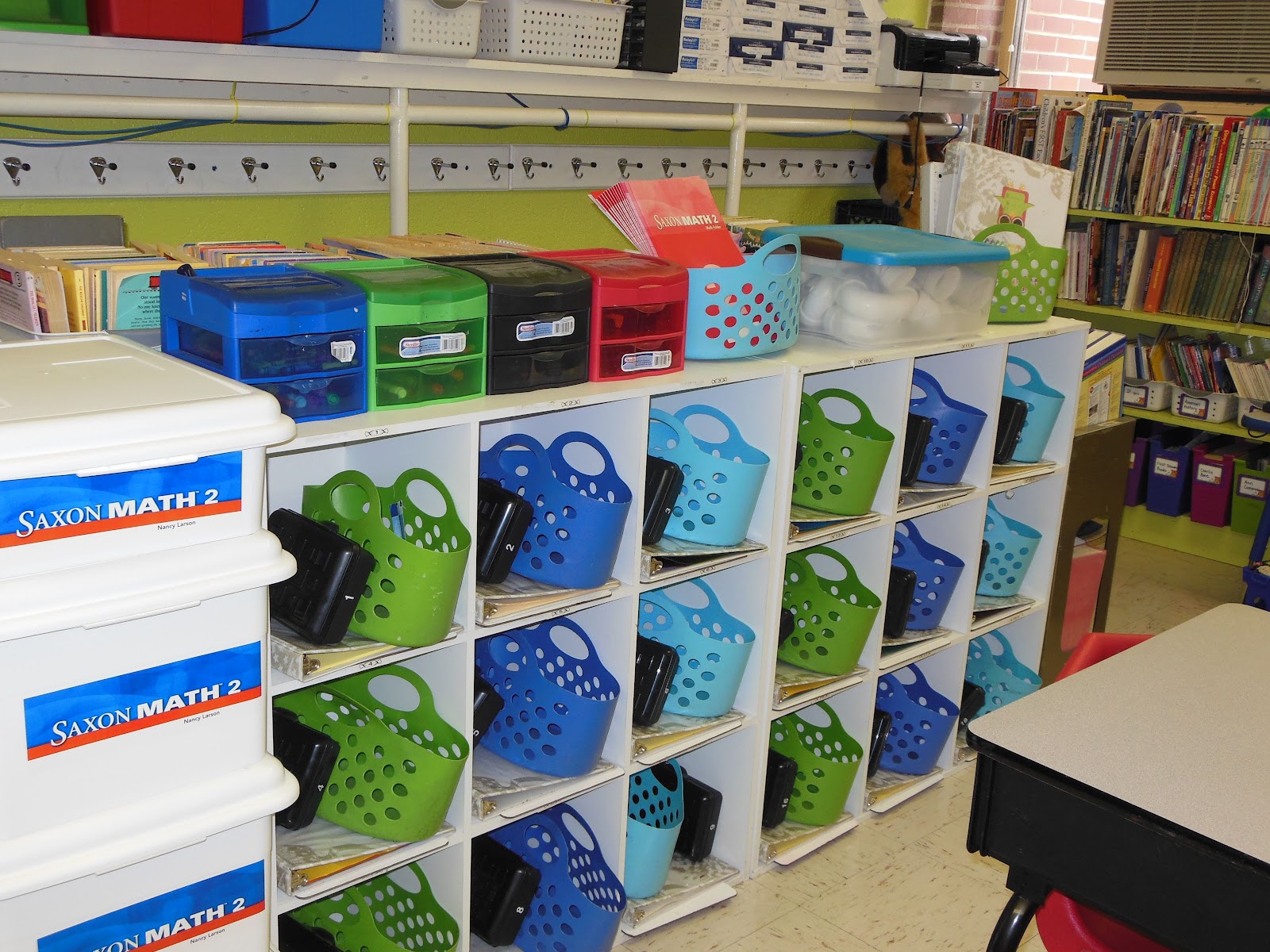
Cubbies with book luggage.
My Pinterest inspired objective board.

Computer Center
Main Reading Center  

Word Wall
Another book area.


More Books

Buddy Reading Booth

My gum ball machine treasure chest.


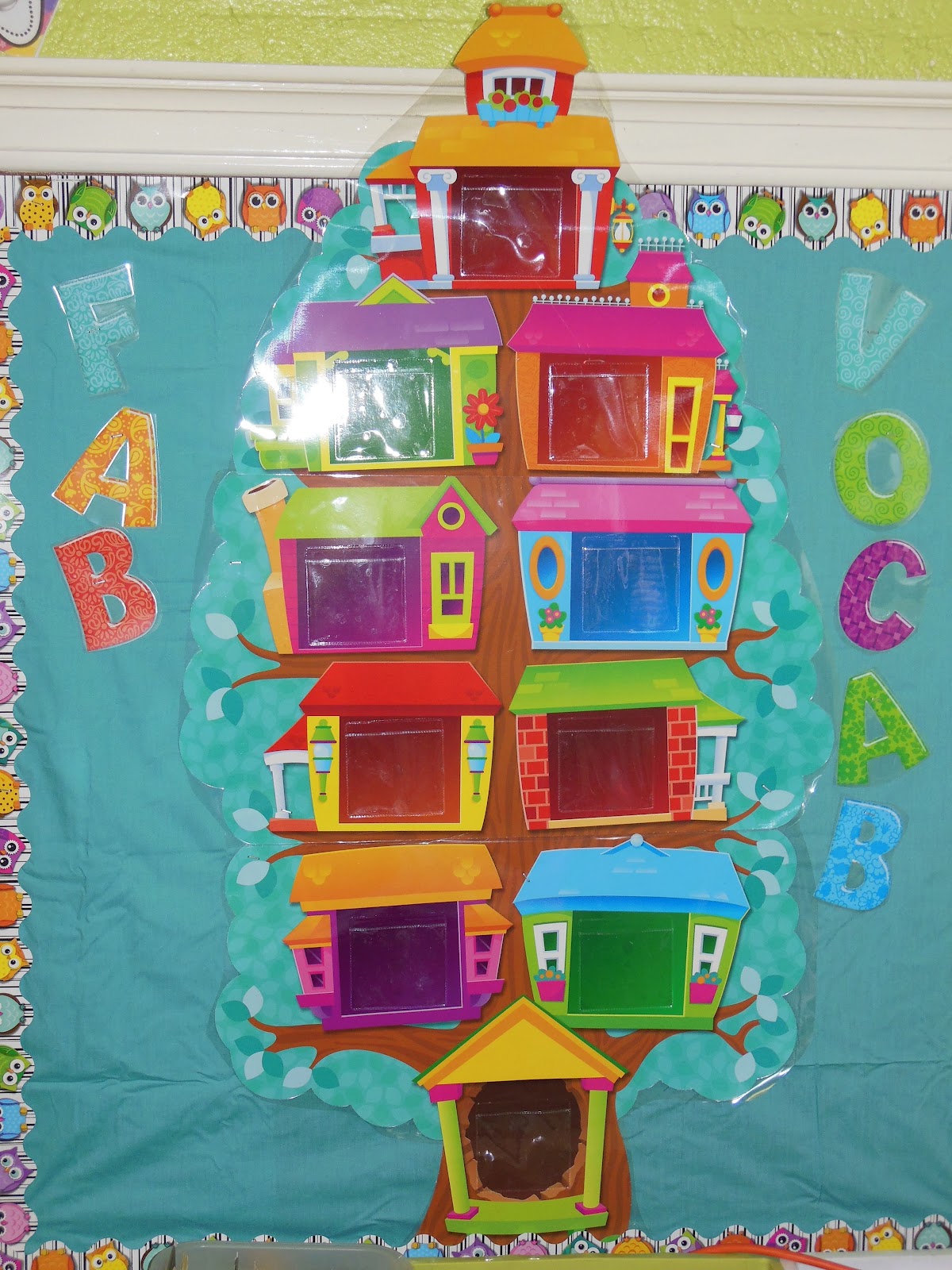
Vocabulary Tree waiting on new words.
Saxon Math Focus Wall.


My "Owl Stars" hall clipboard display.
Whole group teaching area ready for students on the carpet.
A close up of my door with my favorite Zig Ziglar quote.
My Entrance waiting on first day of school pictures.
Welcome to my room.
Close up of hall clip board and name plates.
The back side of my door.


Thursday, August 16, 2012

Meet the Teacher Night

I'm always excited about a new year.  This year with the change from 3rd to 2nd I was also a little anxious.  All of the fears and anxiety went away tonight as I met my new class.  I'm in love.  They were so cute as they came in and explored our new room.  I can't wait until Monday as my new adventure in 2nd grade begins.
Below you'll find pictures of the gift my kids received at meet the the teacher night!
Welcome Back Owls

Owl close up
Note on the back.